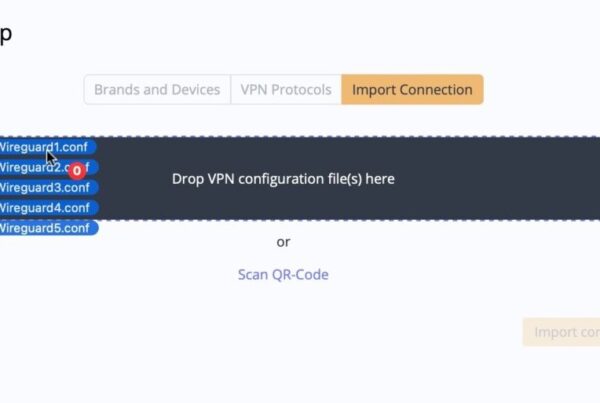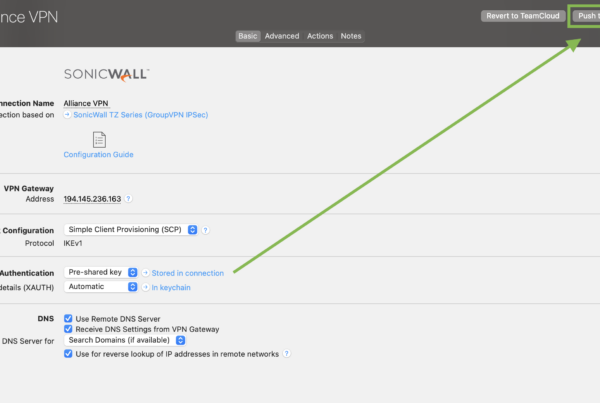




Secure VPN connection sharing can sound like a contradiction. After all, why would any responsible IT admin willingly put the keys to the castle in the cloud?
It is the right question to ask. The surprising answer is that the cloud is not automatically the risky part. The real risk is how VPN access is shared, who can see the underlying configuration, and whether anyone can take that access back.
The cloud doesn’t always hold the keys
“In the cloud” simply describes where a service is available. It says nothing about how securely your data is stored or who can access it.
A VPN configuration emailed to a colleague, a pre-shared key pasted into a chat, and an encrypted system designed to protect sensitive data may all involve the cloud, but their security properties are very different.
When VPN settings are shared by email or chat, copies can quickly spread beyond an administrator’s control. They can remain in inboxes, archives, backups, forwarded messages, notification previews, and personal devices. If a configuration changes, access needs to be revoked, or an employee leaves, the admin has to work out where those copies went and whether they can still be used.
The uncomfortable truth: If your team is sharing VPN details manually, the keys may already be in the cloud, just in places you cannot centrally control.
What VPN Tracker TeamCloud changes
VPN Tracker TeamCloud replaces improvised sharing with a purpose-built system for deploying and managing VPN connections.
The administrator creates the connection once, assigns access to the appropriate people or user groups, and publishes it to their VPN Tracker apps. This creates one central control point, instead of a growing collection of unmanaged local configurations.
There is no configuration file to email, no pre-shared key to paste into Slack, and no checklist asking each user to reproduce a complicated setup correctly. When a setting changes, the administrator updates the central connection and rolls out the new version. Access can be tightly controlled for individual users or user groups, so each person receives only the connections required for their role.
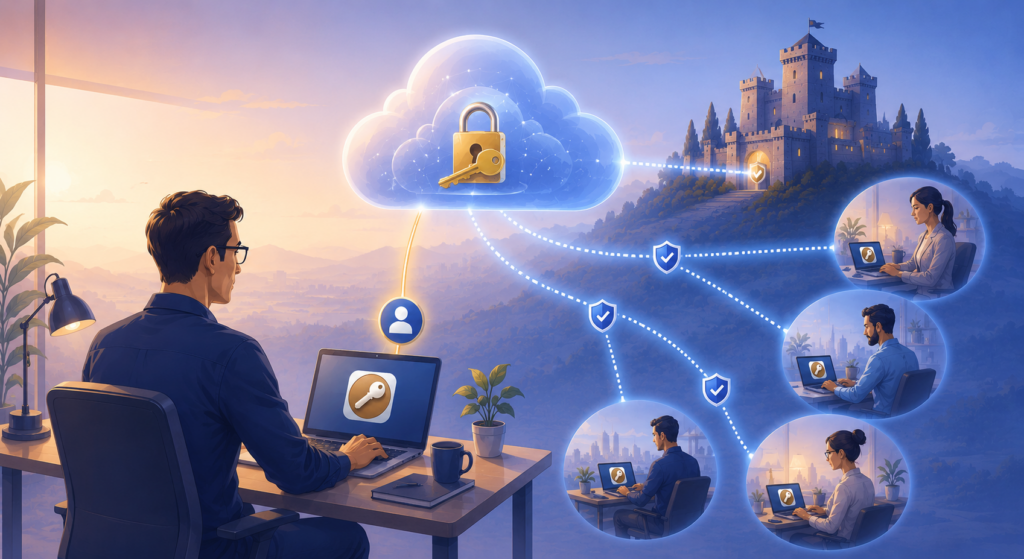
Keep the keys to the castle secure with centralized VPN access.
When access is no longer required, the administrator can revoke it centrally. A TeamCloud connection can also be permanently deleted for the team and removed from all team members’ devices. That is fundamentally different from a standalone local connection or exported file.
Once a local copy of a connection has been handed out, an administrator cannot reliably recall or remotely delete it.
End-to-end encryption: we cannot read your connection details
TeamCloud uses end-to-end encryption for VPN connection data. The encryption keys are tied to individual team members rather than being held by the TeamCloud servers, so the service itself cannot decrypt the connection data it stores. The VPN Tracker servers store and synchronize the encrypted data, but they do not have access to the unencrypted connection details.
Even when an administrator manages a connection at my.vpntracker.com, encryption and decryption take place locally in the browser. Unencrypted connection details are not sent through VPN Tracker’s servers. Put plainly: even if we wanted to inspect your VPN configuration, the system is designed so that we could not.
Independent infrastructure, controlled by VPN Tracker
VPN Tracker is developed and operated independently by equinux in Munich. Your encrypted TeamCloud data is stored here on our own servers and does not rely on third-party cloud providers for storage or access. This gives us control over the service and its security architecture, while end-to-end encryption keeps the content of your connection data inaccessible to us.

Fully end-to-end encrypted connection data is securely stored in our independent data center here in Munich
Independence and end-to-end encryption solve two different problems: we control the infrastructure, while you and your authorized team retain control of the information.
Why VPN Tracker Team Management is more than just "cloud sharing"
- Centralized control: Manage connections, permissions, changes, and removal from one administrative workspace.
- Role-based access: Assign connections to specific users or user groups instead of distributing the same file to everyone.
- Least privilege: Hide sensitive VPN connection details from regular team members while still allowing them to connect.
- Central revocation and deletion: Remove access when somebody changes roles, loses a device, or leaves the organization, and permanently delete a managed connection from the team when it is no longer needed.
- Controlled updates: Roll out configuration changes centrally without relying on every user to replace an old file.
- Accountability: Use individual accounts and managed permissions instead of shared credentials and undocumented handoffs.
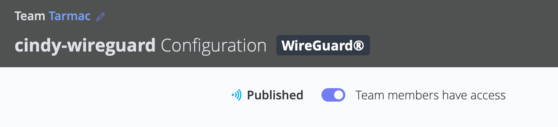
Users only have access when you grant it.
Compare that with an attachment in an inbox or a standalone connection stored locally. Neither knows who should still have access. They cannot hide their contents, update themselves, or reliably disappear when an employee leaves. TeamCloud can support those controls because it was built specifically for managed VPN deployment.
So, are you giving away the keys to the castle?
No. Done properly, you are putting the keys in a purpose-built key management system instead of leaving copies under a series of digital doormats.
Healthy skepticism about cloud services is valuable. It encourages IT teams to ask the questions that matter: Where does encryption happen? Who holds the keys? Can the provider read the data? Can access be limited and revoked? Is the service independently operated? With TeamCloud, those questions have concrete answers, and that security model is one reason VPN Tracker is trusted by thousands of Mac users, IT professionals, consultants, and businesses worldwide.
A practical checklist for secure VPN connection sharing
Before choosing any way to distribute VPN access, ask:
- Are connection details encrypted before they reach the service?
- Can the service provider decrypt them?
- Can admins restrict access by user or group?
- Can sensitive settings remain hidden from end users?
- Can access and deployed connections be removed centrally?
- Can configuration changes be rolled out without sending another file?
If the answer to those questions is yes, “cloud” is not the reason to be afraid. If the answer is no, it may be time to stop sharing the keys through email and chat.
Secure VPN access, without giving away the keys
VPN Tracker for Teams allows you to centrally manage connections, control access, hide sensitive details, and revoke access when needed.
See how VPN Tracker can simplify secure VPN management for your team:
Need help? We can set up secure connection sharing for you
Setting up secure TeamCloud access, migrating existing VPN connections, and defining the right user-group permissions can take time. Our VPN consultants can review your setup and help handle the rollout. From connection migration and access controls to testing and deployment.