



BEC Technologies routers are renowned for their industrial resilience and high-speed 5G/LTE performance. Whether you are using the MXConnect series for IoT or the AirConnect series for enterprise failover, securing your remote access is vital. This guide shows you how to use VPN Tracker to create a professional OpenVPN connection from your Mac or iOS device to your BEC hardware.
Supported BEC Technologies Routers
The following BEC Technologies models are optimized for use with VPN Tracker:
- AirConnect 8112 / 8112V (5G Enterprise)
- MX-241NP / MX-240 (Industrial LTE)
- MX-221P (Triple-SIM LTE)
- RidgeWave 7000 Series (Outdoor LTE)
- MX-210NP (Compact LTE)
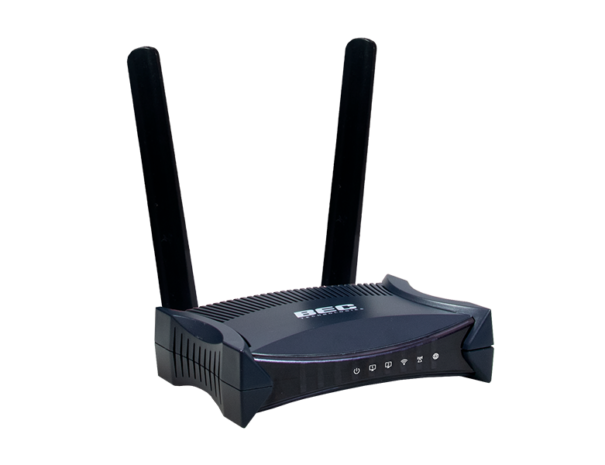
Connect to BEC Technologies MX-241NP Router
Supported Protocols
For modern remote access, we focus on the most secure and performant protocol available on BEC Technologies Routers:
- OpenVPN: A reliable, industry-standard choice for broad compatibility.
While we strongly recommend opting for a modern OpenVPN connection, legacy VPN Protocols for BEC Routers are also supported by VPN Tracker. You can also set up your connection using:
- L2TP VPN (more information about L2TP connections)
- PPTP VPN
OpenVPN Setup on a BEC Technologies Router
- Access the BEC Web Management interface.
- Navigate to Advanced Setup > VPN > OpenVPN.
- Enable the OpenVPN Server and define your subnet and authentication settings.
- Generate and Export the client configuration file (.ovpn).
Connect to BEC Routers OpenVPN in VPN Tracker
Once you have your .ovpn file, getting connected is easy:
- Launch the VPN Tracker OpenVPN Connection Creator for BEC Technologies Routers
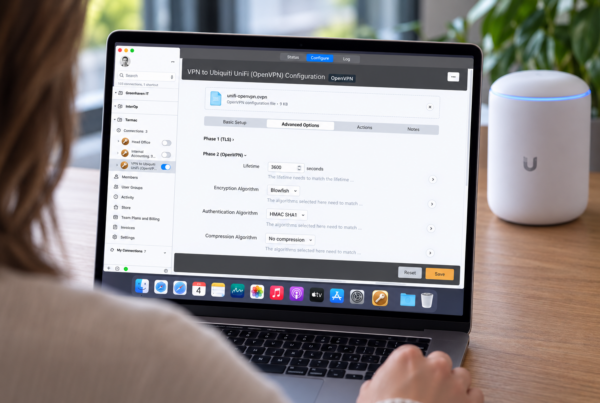
- Upload your .ovpn file and VPN Tracker will automatically parse your connection settings
- Once you're happy with your settings, click to save the connection in your account and connect in VPN Tracker on your Mac, iPhone or iPad
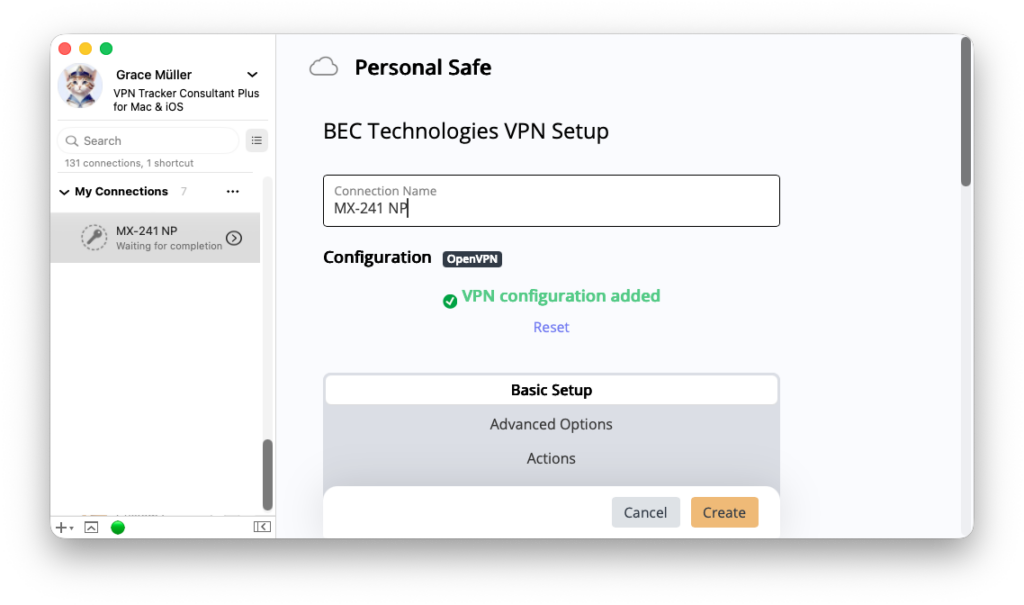
Drag & drop your .ovpn configuration file into VPN Tracker's Connection Creator
Pairing BEC Technologies routers with VPN Tracker provides a seamless, high-performance remote access solution for professional users. By utilizing hardware-accelerated encryption on BEC devices, you ensure your data remains secure without sacrificing speed.
Why VPN Tracker?
VPN Tracker is the best secure remote access solution for Mac, iPhone and iPad and is compatible with the most popular VPN gateways, including UniFi, NETGEAR, TP Link, Draytek, and many more.
Your VPN Tracker benefits
- Securely connect with your home and office networks
- Use your own gateway
- Preconfigured profiles for 300+ VPN devices
- Expert productivity features for teams
- For Mac, iPhone, iPad
- Explore all features